Manual Document Texts
If you did not activate the Insert automatically into documents option when creating a document text, you will have to add it manually. To do this, open the corresponding document. Via More options -> Related -> Document type (e.g. order) you will find the tab Document texts.
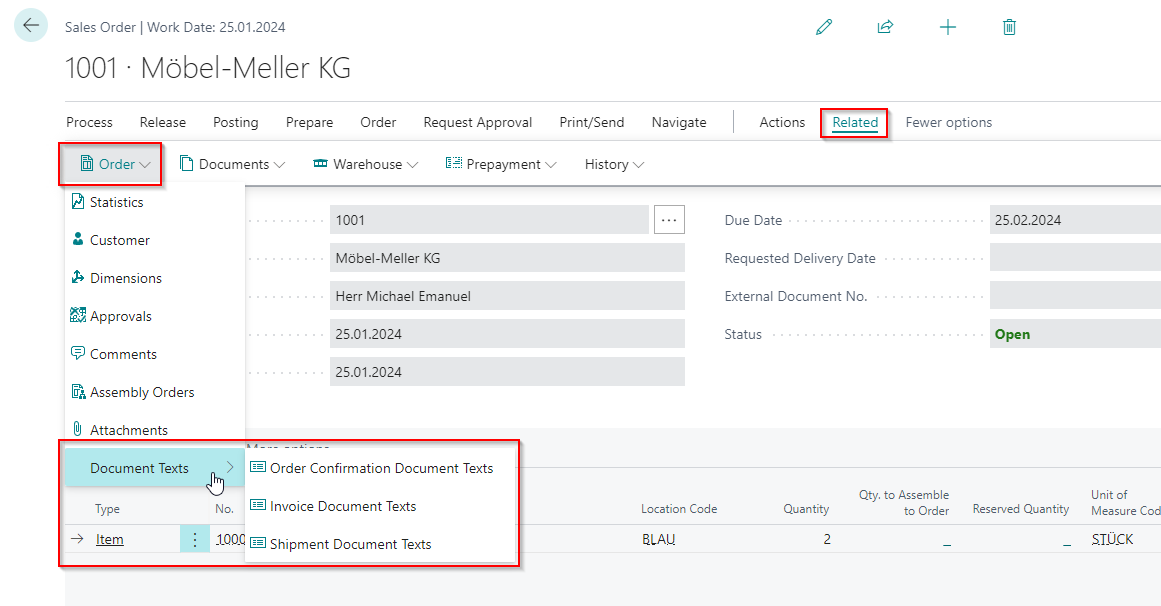
Here you can select from the document texts for the respective document. Now a table opens, in which the document texts currently inserted in this document are displayed.
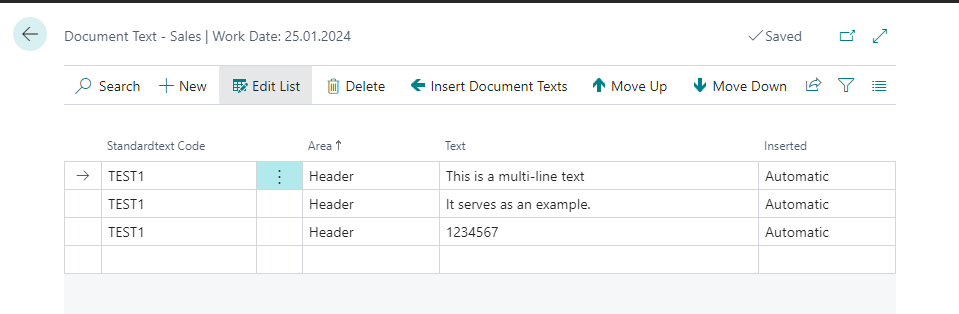
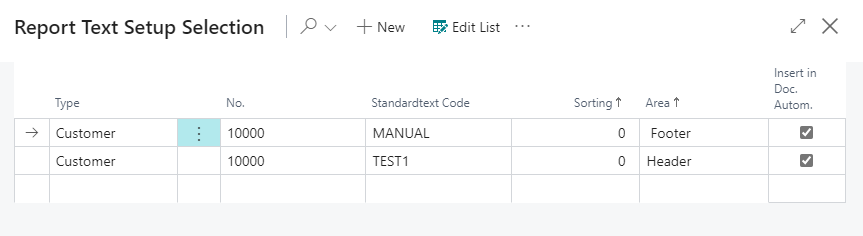
With Insert Document Texts you get to a selection of document texts available for this document. Whether a document text is available depends on the document and document text properties. For example, the posting data set and the customer should match.
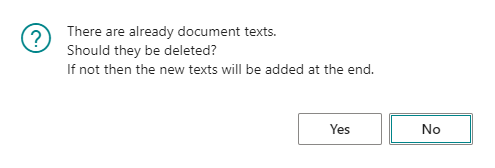
If document texts already exist, you can have them automatically deleted after selection when inserting new document texts.
Hinweis
Please note that when the document is changed, the document texts are also automatically adjusted, depending on the setup. This also applies to manually added documents