Create E-Invoice Retrospectively
With SIEVERS E-Rechnung, you can also create e-invoices retrospectively if the sales invoice has already been posted. This also applies to customers for whom E-Rechnung has not yet been activated.
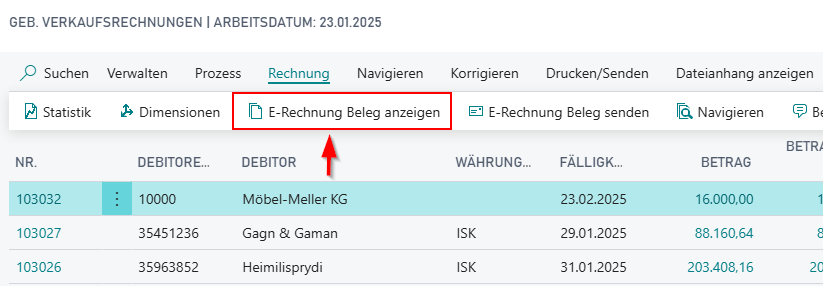
First, switch E-Rechnung active for the customers on the E-Rechnung Customers page. Then open the list of posted sales invoices. Here you will find the sub-item Show E-Rechnung Document in the menu under Invoice.
Hinweis
Vendors: Before you can activate E-Rechnung for vendors, you must enable the Use Self Billing option in the E-Rechnung Setup.
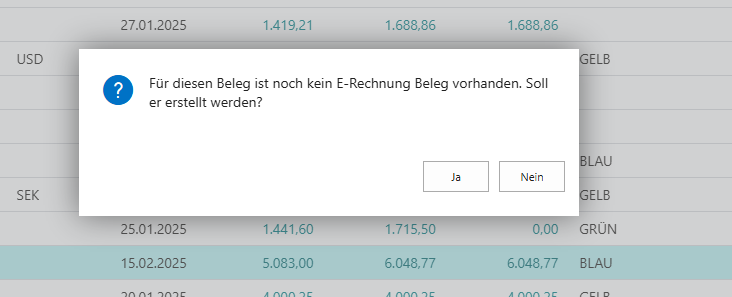
Here you are informed that no document yet exists and one can be created. Click Yes.
Now a regular E-Rechnung document has been created. Open it and send the document, for example, via e-mail.