Using Tax Category O
When you sell items without VAT, tax category O is used in the e-invoice. This category requires additional information for a valid XML file.
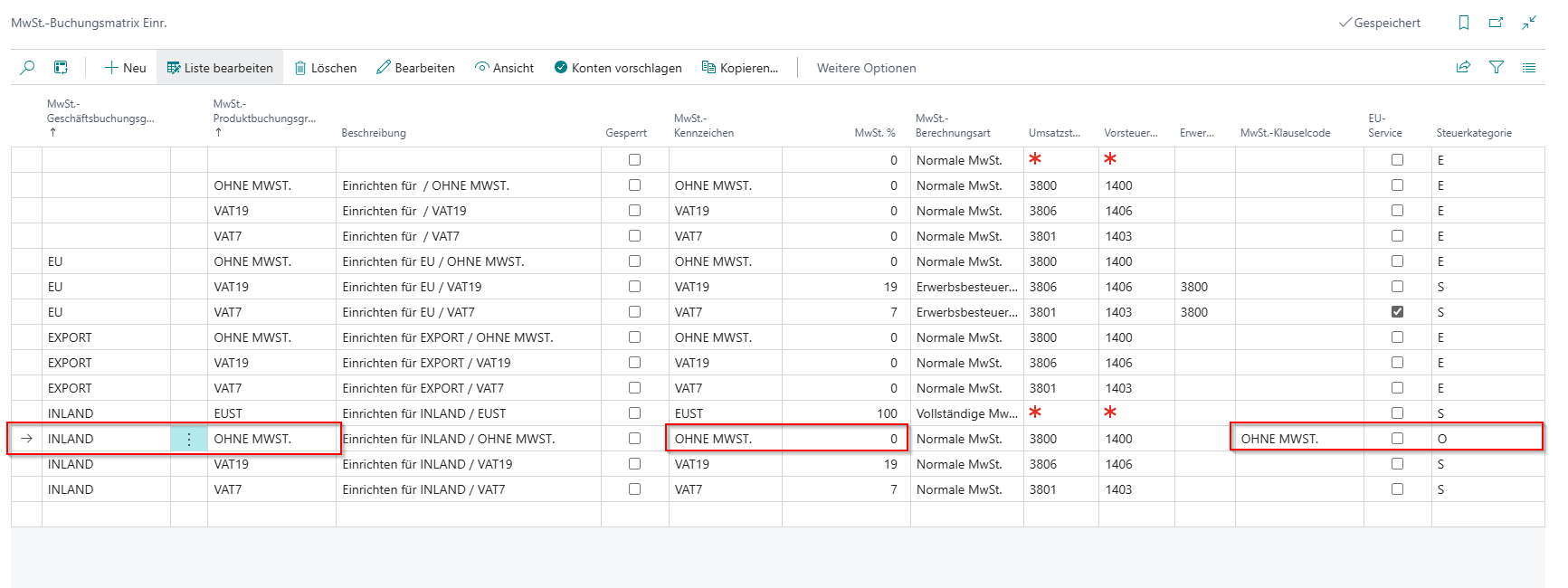
Create a new line in the VAT Posting Matrix Setup. This must contain the following information:
- VAT Bus. Posting Group: INLAND (or comparable)
- VAT Prod. Posting Group: WITHOUT VAT (or comparable)
- VAT Identifier: WITHOUT VAT
- VAT %: 0
- VAT Calculation Type: Normal VAT
- VAT Clause Code: Enter a VATEX Code here. For tax category O, this is usually VATEX-EU-O
- Tax Category: O
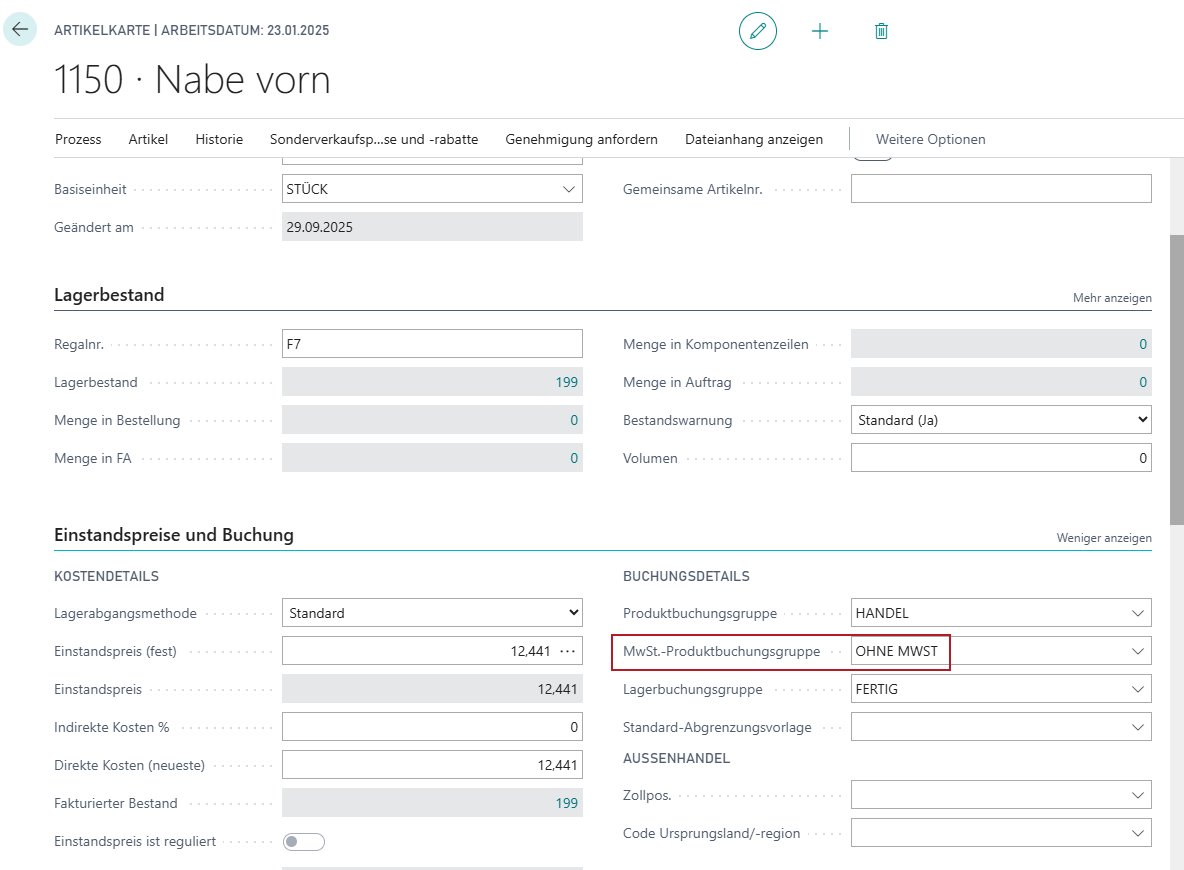
In addition, enter the VAT Product Posting Group "WITHOUT VAT" (tax rate 0%) in the item under posting details.
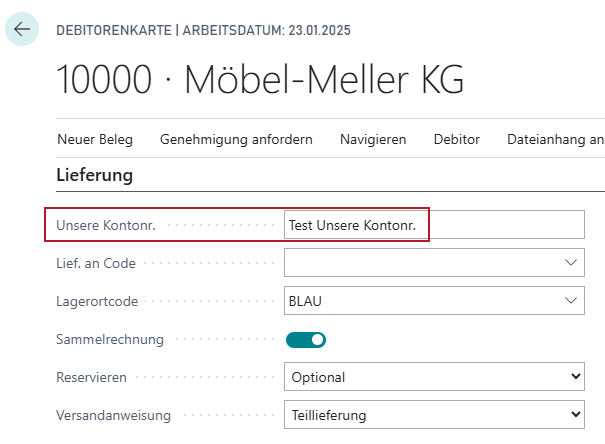
Also make sure that the Our Account No. field on the customer is filled in.