Export of Additional Supporting Documents
With SIEVERS E-Rechnung you can attach additional supporting documents to sales orders, invoices, credit memos and return orders as well as service orders, invoices and credit memos. These are attached to the E-Rechnung XML and the email.
To do this open the order/credit note/invoice. On the right-hand side you will find the box E-Rechnung Additional Supporting Documents in the details. The number of attachments is displayed here.
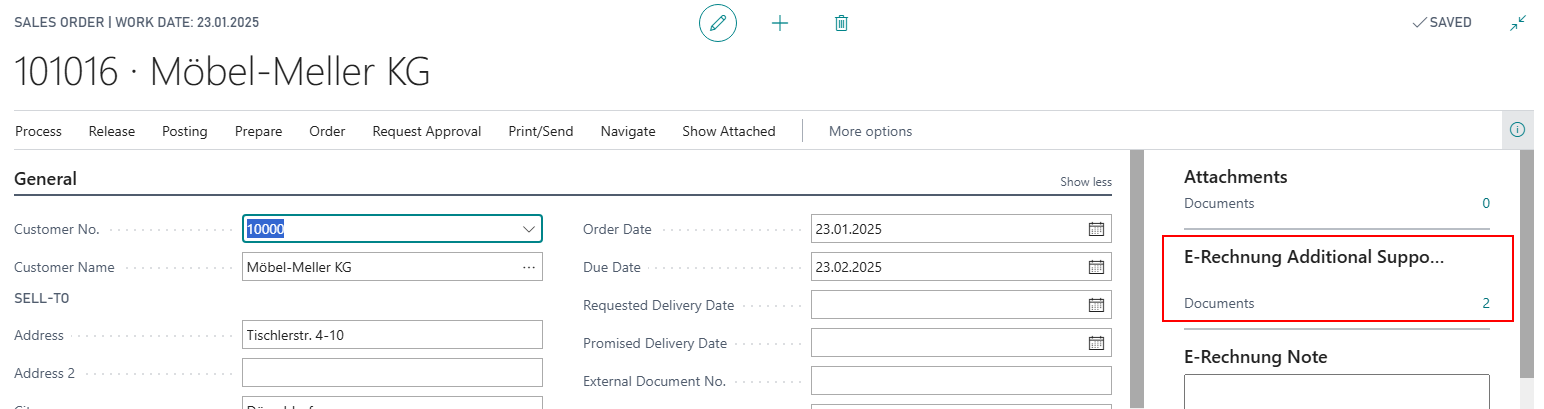
By clicking on the number, in this case 0, you open the overview. With Select File you can add files. The following file formats are allowed:
- .PNG
- .JPG
- .CSV
- .XLSX
- .ODS
In total, all attachments must not exceed 14.5 MB in size.

When you added a file you can also enter a description. This will be written into the XML-file.
With Preview all files you have added so far are downloaded and can be checked again before sending.
If necessary, please also note our partner documentation in order to add additional supporting documents via code with an event.